|
|

|
|
|
You do not need to enter any manufacturers, but, by having a manufacturer on the substance s this will allow you to see which substance s they produce.
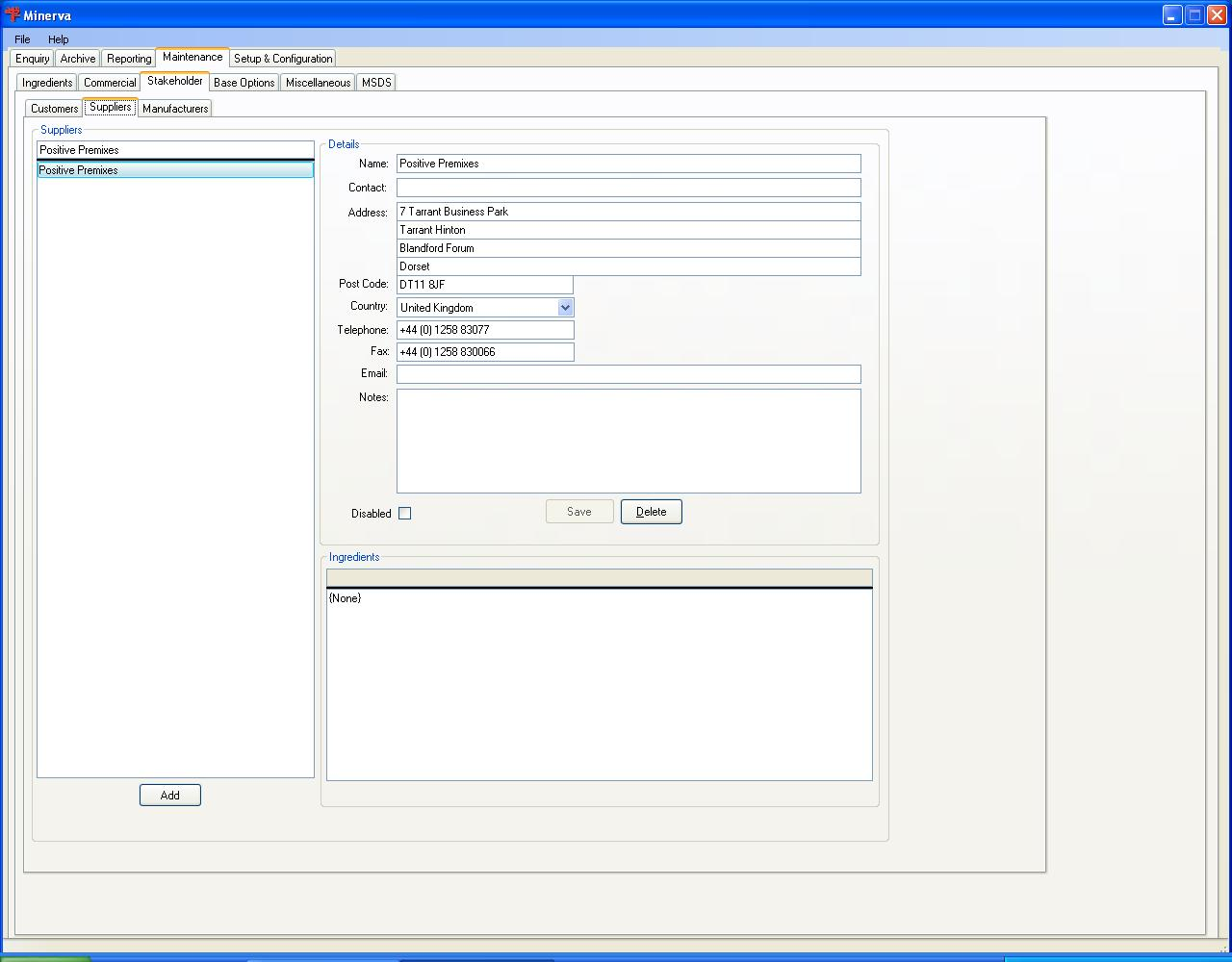
Click on the manufacturer you want to edit or click the button to create a new manufacturer.
| Field label | Field description |
| Name | The name of the manufacturer |
| Contact | The person you contact at the manufacturer |
| Address | Their address over four fields. |
| Post Code | Their post or Zip code |
| Country | The country where they are located. When their country is not shown go to the International tab and create the country. |
| Telephone | The telephone number for the contact or the company |
| Fax | The fax number to get to the contact or the company |
| The contacts email address or a global email address for the company, like sales@manufacturer.biz. | |
| Notes | Any notes about this manufacturer |
| Disabled | Tick if the manufacturer is not to be used. This will preserve the historical accuracy of the substances. |
| Buttons | |
| Update the company's record | |
| Remove the manufacturer's record. | |
At the bottom of the screen there is a list of substances that the manufacturer has been linked to.